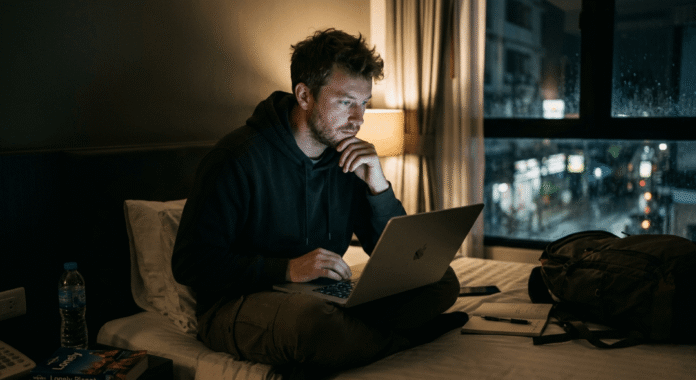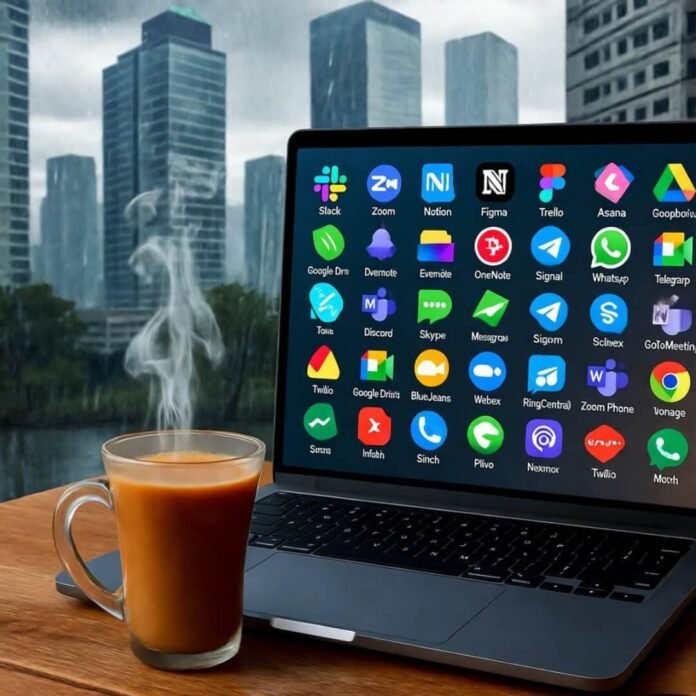
Okay, app privacy is straight-up stressing me out. I’m in this loud Bangalore café right now, the smell of filter coffee and masala dosas hitting me, and I’m side-eyeing my phone like it’s about to snitch. Apps are like those nosy neighbors who know everything—and I’ve had some dumb moments trusting them too much. Like, I downloaded this fitness app once that wanted my location, contacts, and camera access. Bruh, I’m just tryna track my steps, not star in a reality TV show. I’m an American fumbling through India’s tech-crazy vibe, and I’ve learned some hard lessons about app privacy the messy way. Here’s seven tips I swear by, even if I’m still figuring this crap out.
Why App Privacy’s Got Me Paranoid
I ain’t no tech genius, trust. Last week, I was in a rickshaw, sweating my face off, scrolling a cab app, and it asked for my microphone. Like, what? You wanna record me butchering Bollywood songs? That’s when it hit me: app privacy’s about keeping apps from knowing more about me than my best friend. My phone’s seen me at 2 a.m. hitting up street food carts in Delhi—does every app need to know that? Here’s how I’m tryna stay ahead, even if I’m a hot mess half the time.
Tip 1: Check Permissions Like You’re a Suspicious Cop
Every app download feels like a deal with the devil. I got this photo-editing app—cute filters, sure—but it wanted my location? Nah, fam, why? Now I’m all up in my phone’s Settings > Apps, checking what each app’s grabbing—camera, contacts, all that jazz. If it don’t make sense, I turn it off. Android and iOS let you tweak permissions so apps only get what they need. Keeps your app privacy tight, ya know?

App Privacy Tricks I Wish I Knew
Real talk: I’ve messed up big time. I left location on for a food delivery app all the time once. Huge oops. My phone was basically yelling, “He’s at that chai stall again!” from Bangalore to Mumbai. App privacy’s like locking your front door—you gotta mean it. Here’s a couple tricks I picked up, mostly from screwing up.
Tip 2: Kill Location When You Don’t Need It
Location tracking’s sneaky as hell. I caught an app logging every visit to this tiny chai joint in Delhi—why’s it gotta know I’m obsessed with their ginger tea? Now I only let apps use location when I’m on ‘em. Android’s got Settings > Location > App permissions, set to “Allow only while using.” iOS is similar under Settings > Privacy > Location Services. It’s a small step, but it’s clutch for app privacy. My phone’s not my stalker anymore.
Tip 3: VPNs Are Your Bestie
India’s café Wi-Fi is sketchy AF. I was sipping lassi last week, hooked up to some “FreeCafeWiFi” nonsense, and I swear my data was leaking out. That’s when I got a VPN. It’s like a digital invisibility cloak. I use NordVPN—not tryna flex, it just works. Keeps my app privacy solid on these janky networks. Set it up before you join random Wi-Fi, trust.

App Privacy Fails I’m Still Salty About
Here’s where I get real. I clicked “Accept All” on a cookie popup once ‘cause I was lazy and just wanted to read an article. Next thing, I’m drowning in ads for monsoon umbrellas. Creepy, right? App privacy’s not just apps—it’s websites too, and they’re all teaming up. Here’s how I’m tryna fix my dumbass moves.
Tip 4: Say No to Shady Cookies
Cookies sound cute, but they’re digital stalkers. Now I hit “Manage Preferences” when I’m browsing and uncheck anything weird. Takes a sec, but worth it. Privacy Badger from EFF blocks trackers automatically, which is dope for app privacy. It ain’t perfect, but it keeps my data from being everybody’s tea.
Tip 5: Update Apps (I Learned the Hard Way)
I used to skip those “Update Available” popups—too annoying. Then I read on TechCrunch that old apps are like leaving your window open for hackers. Now I update everything, even if I’m stuck waiting in a Mumbai café with overpriced coffee. Updates fix privacy holes, so don’t sleep on ‘em. Set your app store to auto-update if you’re forgetful like me.
App Privacy Stuff That Shocked Me
I’m still shook by how apps talk to each other. I got this dumb game on a train from Chennai, and it was sharing my data with advertisers? Bruh, chill. These last two tips are ones I’m still wrapping my head around, but they’re legit.
Tip 6: Limit Ad Tracking Like a Pro
Apps love serving ads based on your every move. I searched “stress relief” on a meditation app, and boom—yoga ads everywhere. I went to Settings > Privacy > Advertising on my iPhone and turned on “Limit Ad Tracking.” Android’s got something similar under Settings > Google > Ads. It don’t fix everything, but it cuts the creepiness. I also use AdBlock Plus on my browser for extra app privacy points.
Tip 7: Delete Apps You Don’t Use
This one’s embarassing—my phone had like 20 apps I hadn’t touched since I got to India. Old travel apps, a QR scanner from a Jaipur fest, some game I played once. They’re just chilling, maybe snagging data. I purged ‘em last week—felt like decluttering my life. Go through your app list, delete what you don’t need, and your app privacy’ll thank you. Digital spring cleaning, baby.

Wrapping Up My App Privacy Rant
Look, I’m no cybersecurity pro. I’m just an American dude in India, sipping chai, tryna keep my phone from selling my secrets. App privacy’s a messy fight, and I’ve flubbed plenty—still do. These seven tips are my lifeline, learned from dumb mistakes and late-night freakouts. Wanna stay safer? Pick one thing—check permissions, ditch an app, whatever. Your data’s worth it. Got any app privacy horror stories? Spill ‘em below—I need to know I’m not the only one screwing this up!